Explain the format
Publish dates, the venue, a program overview and what is included in each ticket category.
 evenda.
Available language versions
РусскийEnglishSrpskiDeutschTürkçeქართულიEspañolहिन्दीবাংলাPortuguêsTiếng ViệtFrançaisItaliano한국어العربيةBahasa Indonesia日本語中文አማርኛ (Amarəñña)অসমীয়া (Ôxômiya)Azərbaycan diliБългарски (Bǎlgarski)ČeštinaΕλληνικά (Elliniká)Eesti keelفارسی (Fārsī)Fulfuldeગુજરાતી (Gujarātī)HausaMagyarIgboBasa Jawaಕನ್ನಡ (Kannaḍa)Latviešu valodaMalagasyBahasa Melayuമലയാളം (Malayāḷam)मराठी (Marāṭhī)မြန်မာဘာသာ (Myanma Bhasa)नेपाली (Nepālī)NederlandsAfaan Oromooଓଡ଼ିଆ (Oṛiā)پښتو (Paṣ̌to)PolskiRomânăسنڌي (Sindhī)සිංහල (Siṁhala)SlovenčinaChiShonaBasa Sundaதமிழ் (Tamiḻ)Wikang Tagalogతెలుగు (Telugu)ภาษาไทย (Phasa Thai)اردو (Urdū)Oʻzbek tiliYorùbáVahcuenghHrvatskiDanishFinnishSwedishGosa hojii
Create a conference page, offer ticket categories, collect attendee details and prepare QR check-in for your entrance team.
Evenda — sooftii kennituu fi hirmaataa tekinikaa. Abbaa tikitii gurguru fi mindaa kaffalaa argatu dhaabbanni keessan; maallaqni bittootaa platform irraa darbuu hin dandeenye.
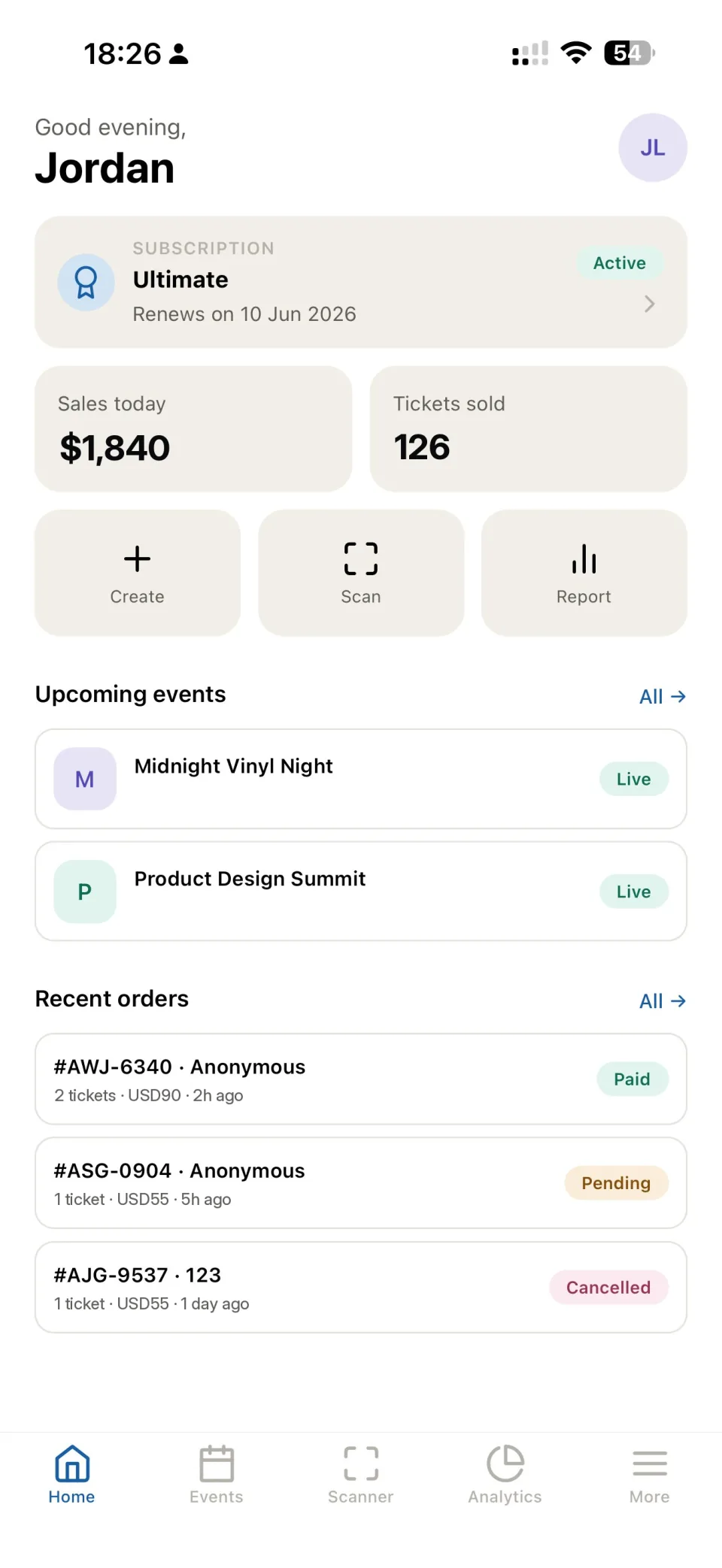
Publish dates, the venue, a program overview and what is included in each ticket category.
Set up the registration form for the information your team needs. Ask only for details you actually use to organize the event.
Give the team access to check-in, test QR scanning and agree how to resolve an order or ticket issue.
Set ticket prices and quantities by category. Connect payment acceptance when the conference requires paid admission.
Keep attendee and order information together so the team can answer questions before the event.
For a seated conference, use the chart catalog or create a venue layout and check the seat setup before launch.
Review sales during registration and attendance after check-in. Use results to plan your next event.
Yes. Use a free category and set the available quantity. Platform subscription limits still apply.
Yes. Set up categories with their own prices and quantities, and describe what each category includes on the event page.
Use the Evenda mobile app with the appropriate event permissions. Verify devices, connectivity and staff access before opening the entrance.
This workflow covers event registration, tickets, participant data and admission. Confirm any special requirements for session reservations or badge printing with the team before choosing your setup.
Hojii jalqabu
Brauzer keessatti platforma guutuu eeyamuu - install gochuun hin barbaachisu, kompiyuutara kamiyyuu irratti.