Describe your event
Add the date, venue and description. Make the event page answer the questions guests ask before buying.
 evenda.
사용 가능한 언어 버전
РусскийEnglishSrpskiDeutschTürkçeქართულიEspañolहिन्दीবাংলাPortuguêsTiếng ViệtFrançaisItaliano한국어العربيةBahasa Indonesia日本語中文አማርኛ (Amarəñña)অসমীয়া (Ôxômiya)Azərbaycan diliБългарски (Bǎlgarski)ČeštinaΕλληνικά (Elliniká)Eesti keelفارسی (Fārsī)Fulfuldeગુજરાતી (Gujarātī)HausaMagyarIgboBasa Jawaಕನ್ನಡ (Kannaḍa)Latviešu valodaMalagasyBahasa Melayuമലയാളം (Malayāḷam)मराठी (Marāṭhī)မြန်မာဘာသာ (Myanma Bhasa)नेपाली (Nepālī)NederlandsAfaan Oromooଓଡ଼ିଆ (Oṛiā)پښتو (Paṣ̌to)PolskiRomânăسنڌي (Sindhī)සිංහල (Siṁhala)SlovenčinaChiShonaBasa Sundaதமிழ் (Tamiḻ)Wikang Tagalogతెలుగు (Telugu)ภาษาไทย (Phasa Thai)اردو (Urdū)Oʻzbek tiliYorùbáVahcuenghHrvatskiDanishFinnishSwedish기능
A ticketing platform for organizers: your event page, ticket categories, connected payments and QR admission in one workflow.
Evenda는 소프트웨어 공급자이자 기술 파트너입니다. 티켓 판매자이자 결제 수취인은 귀하의 회사이며, 구매자들의 자금은 플랫폼을 거치지 않습니다.
Add the date, venue and description. Make the event page answer the questions guests ask before buying.
Create ticket categories, quantities and prices. Connect an available payment provider to your organizer account for paid tickets.
Share the event link. Before promotion, check the page, order confirmation, ticket delivery and QR scanning using a separate test event.
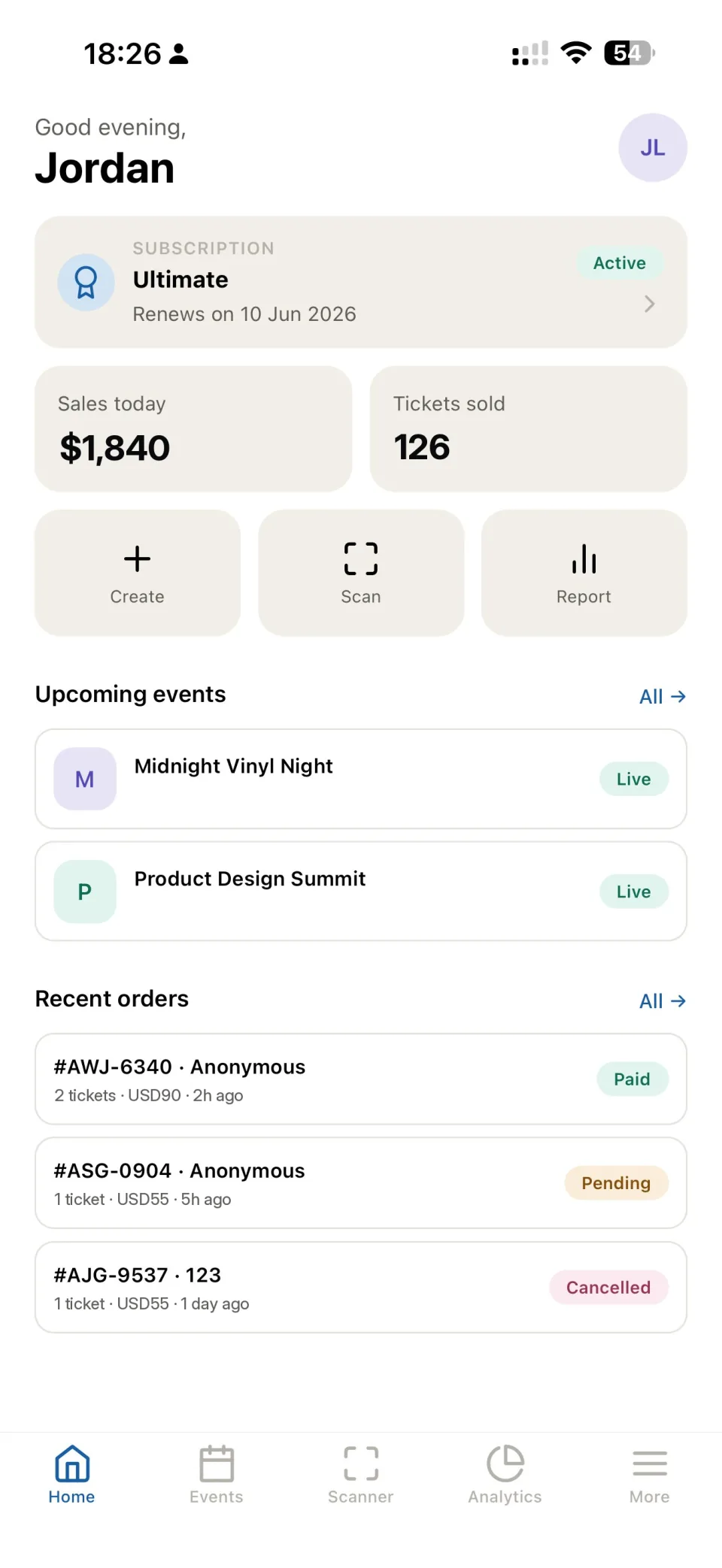
Follow orders and payment statuses in your dashboard. Use the order record to help a guest find their ticket.
Use QR tickets and the check-in app to record admission. Give entrance staff the access they need for the event.
Offer the ticket types your format needs. For seated events, connect a seating chart and check categories before publishing.
Review event sales and attendance reports. Use source tracking to compare the links used in your campaigns.
Evenda supplies the event software. Paid orders use the payment provider connected by the organizer; availability, fees, refunds and settlement depend on that provider and its agreement.
Yes. Create an event page in Evenda and share its link with your audience.
Evenda uses a subscription model without a platform percentage on ticket sales. A connected payment provider may charge its own fees. See the pricing page and your provider agreement.
Yes. Use a free ticket category for registration. Check the current subscription limits for your event.
The entrance team scans the ticket QR code in the Evenda check-in app. Test access rights and a sample ticket before guests arrive.
Yes. Choose a chart from the catalog or create one, then check ticket categories and seats for the event.
Register an organizer account, create an event and test the guest journey. The ticket sales guide has a practical launch checklist.
작업 시작
설치 없이 브라우저에서 플랫폼에 바로 접속할 수 있으며, 어떤 컴퓨터에서도 이용 가능합니다.