Create the event
Enter the event details in the organizer dashboard. Check dates and the timezone before sharing a public link.
 evenda.
사용 가능한 언어 버전
РусскийEnglishSrpskiDeutschTürkçeქართულიEspañolहिन्दीবাংলাPortuguêsTiếng ViệtFrançaisItaliano한국어العربيةBahasa Indonesia日本語中文አማርኛ (Amarəñña)অসমীয়া (Ôxômiya)Azərbaycan diliБългарски (Bǎlgarski)ČeštinaΕλληνικά (Elliniká)Eesti keelفارسی (Fārsī)Fulfuldeગુજરાતી (Gujarātī)HausaMagyarIgboBasa Jawaಕನ್ನಡ (Kannaḍa)Latviešu valodaMalagasyBahasa Melayuമലയാളം (Malayāḷam)मराठी (Marāṭhī)မြန်မာဘာသာ (Myanma Bhasa)नेपाली (Nepālī)NederlandsAfaan Oromooଓଡ଼ିଆ (Oṛiā)پښتو (Paṣ̌to)PolskiRomânăسنڌي (Sindhī)සිංහල (Siṁhala)SlovenčinaChiShonaBasa Sundaதமிழ் (Tamiḻ)Wikang Tagalogతెలుగు (Telugu)ภาษาไทย (Phasa Thai)اردو (Urdū)Oʻzbek tiliYorùbáVahcuenghHrvatskiDanishFinnishSwedishFeatured guides
A launch checklist for organizers: prepare the event, configure tickets and payments, then test the complete guest journey.
Evenda는 소프트웨어 공급자이자 기술 파트너입니다. 티켓 판매자이자 결제 수취인은 귀하의 회사이며, 구매자들의 자금은 플랫폼을 거치지 않습니다.
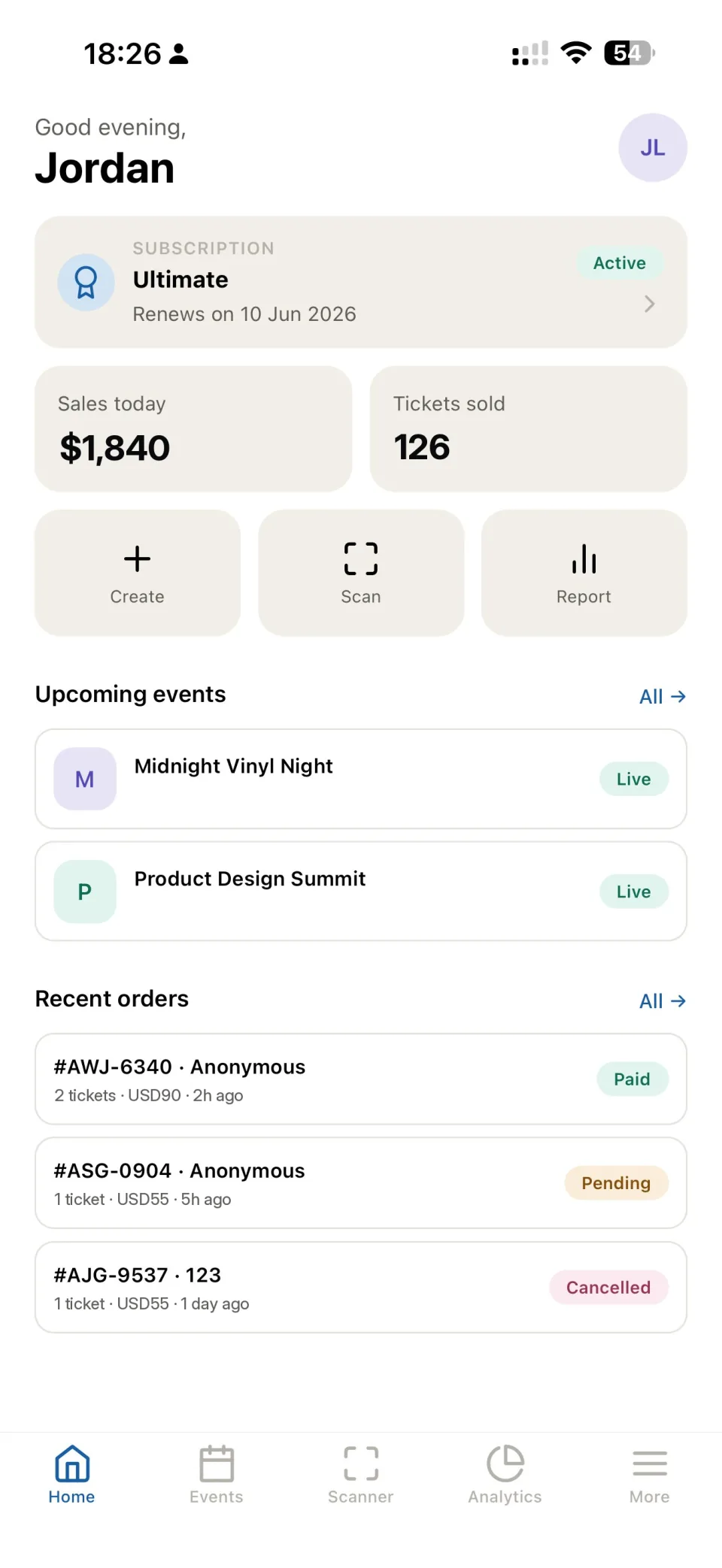
Enter the event details in the organizer dashboard. Check dates and the timezone before sharing a public link.
Set each category’s name, quantity and price. Explain the differences between categories in the event description.
For paid tickets, complete the provider connection and verify account activation, supported currency and checkout availability.
Open the public event page on mobile and desktop. Make sure guests can understand what they buy and how to contact you.
Use a separate test event for free registration and ticket scanning. Test paid checkout through the provider’s supported test mode where available; do not assume a free order verifies paid checkout.
Check the provider connection, account status, currency and event settings. Save the order identifier and error details before contacting support.
Find the order, verify its status and the address entered at registration. Do not create a second paid order until the first is checked.
You can use the event page and dashboard without building your own website. Custom integrations may require development.
No. It checks registration, ticket delivery and admission. Payment acceptance requires its own test using the connected provider’s supported workflow.
Review visits and campaign sources where configured, completed orders, sales and attendance. Compare equivalent events and date ranges.
작업 시작
설치 없이 브라우저에서 플랫폼에 바로 접속할 수 있으며, 어떤 컴퓨터에서도 이용 가능합니다.