
Jual tiket pikeun acara anjeun di Indonesia sareng Evenda.io
Platform global pikeun panyelenggara acara di Indonesia. Jieun halaman acara profesional, tampi pamayaran internasional, sareng narik pengunjung ka acara anjeun.
Komisi 0% yang jujur
Berbeda dengan pesaing, kami tidak mengambil persentase dari omset Anda. Anda hanya membayar langganan tetap untuk penggunaan platform.
Kauntungan ngagunakeun sistem tiket pikeun panyelenggara di Indonesia
Platform evenda.io nyaéta jasa tiket generasi anyar, dirancang khusus pikeun panitia acara di Indonesia. Kami ngartos tantangan anu dihadapi panitia: ti jual tiket sareng promosi acara dugi ka kontrol asup sareng nampi analitik. Evenda.io nyederhanakeun prosés ieu sareng nyayogikeun sadaya alat anu diperyogikeun di hiji tempat.
Antarmuka yang nyaman
Evenda.io menawarkan antarmuka yang intuitif dalam sebagian besar bahasa, yang memungkinkan Anda dengan mudah membuat acara, mengatur kategori tiket, promosi, dan harga. Penjualan dilacak secara real-time.
Analitik dan pemasaran
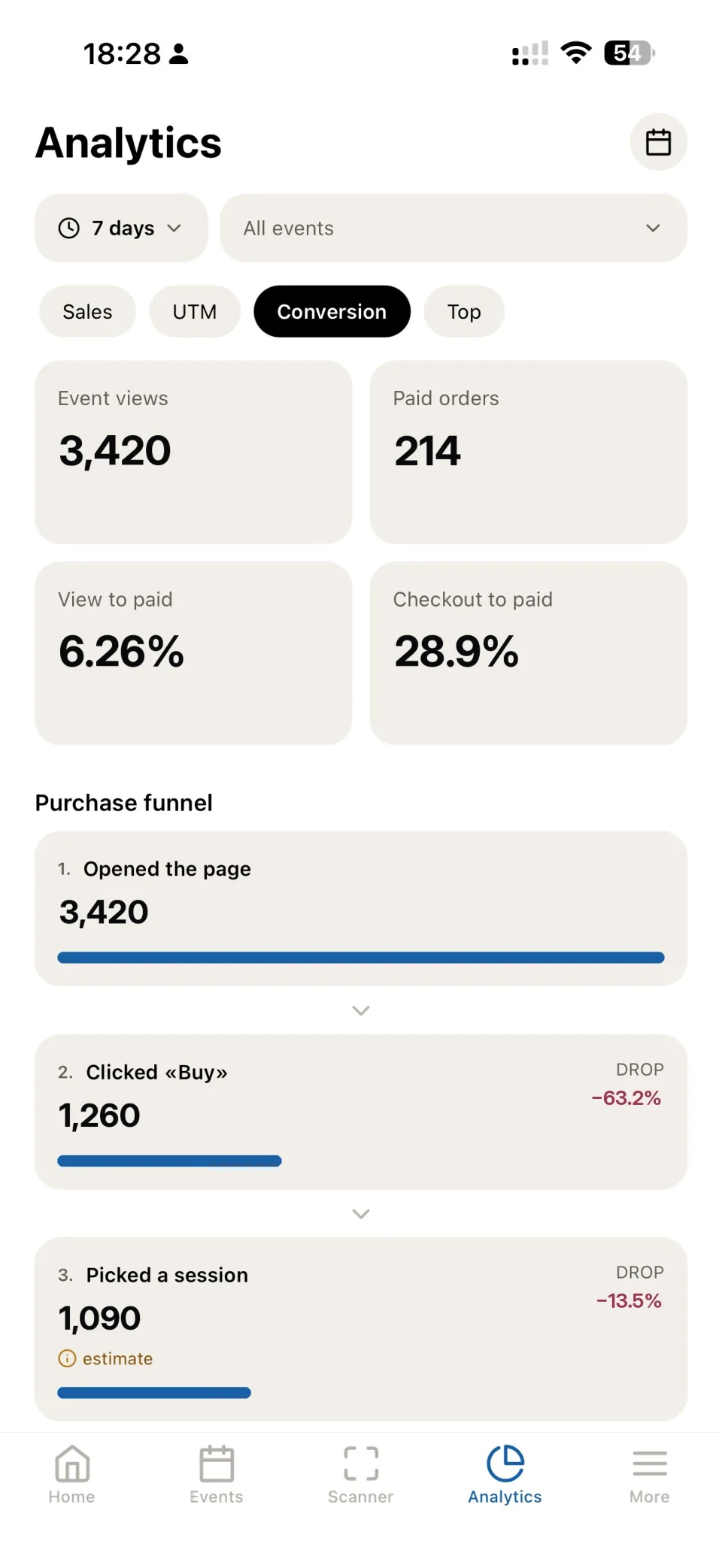
Platform ngadukung integrasi sareng jasa analitik sareng alat pelacakan lalu lintas. Anjeun nampi laporan ngeunaan penjualan, perilaku pembeli, sareng efektivitas kampanye iklan.
Dukungan di setiap langkah
Tim evenda.io nyayogikeun dukungan gancang dina sadaya tahap damel sareng platform. Dukungan téknis kami gancang ngabales patarosan sareng ngabantosan ngatasi masalah téknis naon waé.
Aplikasi Evenda pikeun panyelenggara di Indonesia
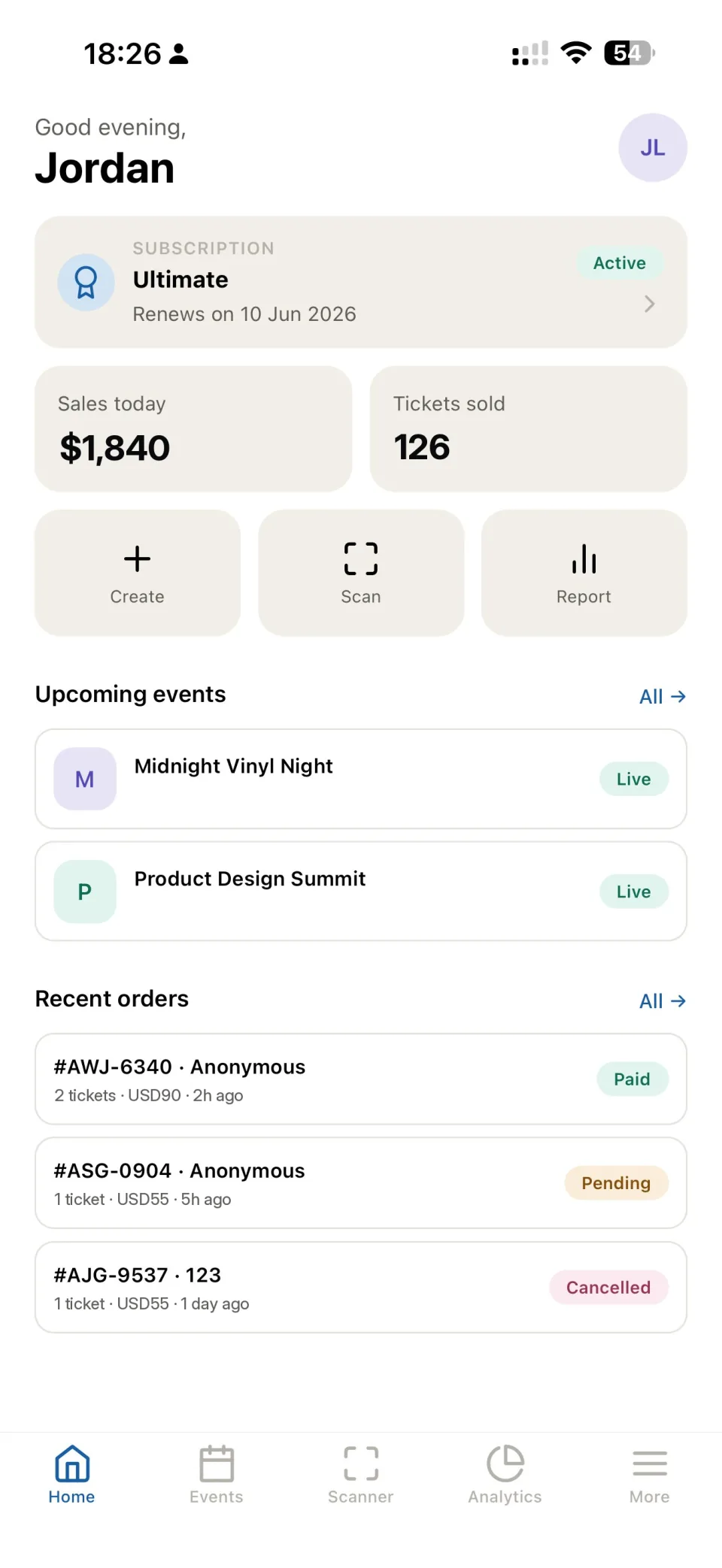
Atur acara anjeun di Indonesia tina dashboard wéb atawa aplikasi Evenda pikeun iOS jeung Android. Jualan tiket, pendaptaran, jeung QR check-in salawasna aya dina genggaman.
Langganan anu adil tibatan persentase tina omzet
Beda ti platform agregator, urang teu nyokot perséntase tina penjualan anjeun. Anjeun mayar langganan tetep kanggo parangkat lunak, sareng panghasilan tina tiket asup langsung ka rekening perusahaan anjeun ngaliwatan panyadia anu anjeun sambungkeun.
0% tina penjualan
Biaya teu gumantung kana omzet anjeun — anjeun mayar jumlah tetep pikeun platform.
Akun pamayaran anjeun
Sambungkeun Stripe anjeun atanapi panyadia séjén. Pamayaran ngalangkungan perusahaan anjeun sareng langsung disalurkeun ka anjeun.
Anjeun nyaéta penjual
Evenda tetep janten panyadia parangkat lunak sareng mitra teknis. Dana pembeli teu ngalangkungan ka kami.
Evenda — panyadia parangkat lunak sareng mitra teknis. Perusahaan anjeun janten penjual tiket sareng panarima pamayaran; dana pembeli teu ngalangkungan platform.
Ngatur acara tina alat naon waé
Akun pribadi dina panyungsi wéb, aplikasi sélulér pikeun iOS jeung Android, sarta aplikasi desktop pikeun macOS jeung Windows — datana disinkronkeun sacara otomatis.
Aplikasi sélulér
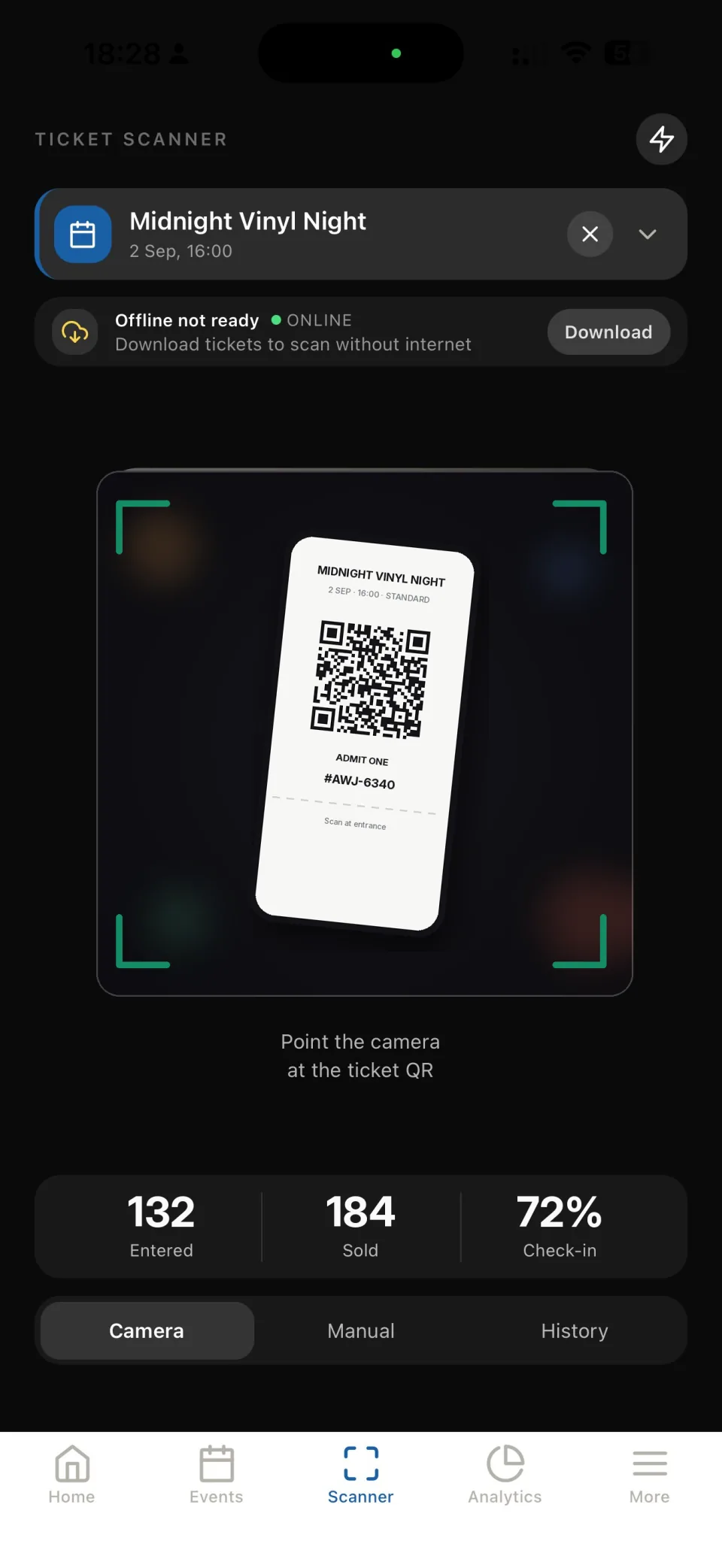
Dasbor, penjualan, nyieun acara sareng scanner tiket di panto - sadayana di jero saku anjeun. Gawé online sareng offline.
Aplikasi desktop
Kabinét panyelenggara lengkep dina macOS sareng Windows pikeun damel di méja.
Akun wéb
Akses lengkep ka platform langsung di panyungsi - tanpa install, dina komputer naon waé.
Buka akun wébAkun panata acara dina telepon anjeun
Ti nyiptakeun acara nepi ka kontrol asup jeung analitik — sadayana dina hiji aplikasi.

Panganyarna
Kami terus ngamekarkeun Evenda ku nambahkeun fitur anyar jeung ningkatkeun pakakas pikeun panata acara.
Semua untuk sukses sold-out
Alat yang akan membantu Anda mengotomatiskan penjualan dan kontrol.
Halaman merek acara
Pembuat halaman arahan. Unggah logo, sampul, tambahkan deskripsi. Semuanya terlihat profesional dan berfungsi di perangkat apa pun.
Pemindai di pintu masuk
Aplikasi gratis untuk iOS dan Android. Pemeriksaan tiket instan bahkan tanpa internet.
Ekstraksi langsung
Uang langsung masuk ke rekening Anda. Mendukung Apple Pay, Google Pay, dan SBP.
Analitik dan laporan
Pantau penjualan secara real-time. Ekspor data pembeli, laporan keuangan untuk setiap entitas hukum secara terpisah.
Menghubungkan penerimaan pembayaran ke akun Anda di sistem:






Metode pembayaran anu sayogi pikeun palanggan anjeun:












Pemasaran anu efektif
Alat pikeun ngaronjatkeun penjualan sareng analisis audién anu tepat dina hiji antarmuka.
Ngawas sumber lalu lintas
Analitik lengkep UTM-tag. Panggihan saluran iklan mana anu nyayogikeun penjualan nyata, sanés ngan ukur klik. Optimalkeun anggaran dumasar kana data anu akurat.
Jieun kode promosi
Sistem diskon anu fleksibel pikeun ningkatkeun efektivitas penjualan. Atur diskon persentase atanapi tetep, wates panggunaan, sareng waktos kadaluarsa.
Harga basajan
Pro
Hingga 1.000 tiket/acara 3 pengontrol Multi-badan hukum API & Webhook
Patarosan Nu Sering Ditanyakeun
Jawaban pondok pikeun patarosan anu populer