Description and media
Add a title, summary, programme and images. Explain who the event is for and what attendance includes.
 evenda.
Available Language Versions
РусскийEnglishSrpskiDeutschTürkçeქართულიEspañolहिन्दीবাংলাPortuguêsTiếng ViệtFrançaisItaliano한국어العربيةBahasa Indonesia日本語中文አማርኛ (Amarəñña)অসমীয়া (Ôxômiya)Azərbaycan diliБългарски (Bǎlgarski)ČeštinaΕλληνικά (Elliniká)Eesti keelفارسی (Fārsī)Fulfuldeગુજરાતી (Gujarātī)HausaMagyarIgboBasa Jawaಕನ್ನಡ (Kannaḍa)Latviešu valodaMalagasyBahasa Melayuമലയാളം (Malayāḷam)मराठी (Marāṭhī)မြန်မာဘာသာ (Myanma Bhasa)नेपाली (Nepālī)NederlandsAfaan Oromooଓଡ଼ିଆ (Oṛiā)پښتو (Paṣ̌to)PolskiRomânăسنڌي (Sindhī)සිංහල (Siṁhala)SlovenčinaChiShonaBasa Sundaதமிழ் (Tamiḻ)Wikang Tagalogతెలుగు (Telugu)ภาษาไทย (Phasa Thai)اردو (Urdū)Oʻzbek tiliYorùbáVahcuenghHrvatskiDanishFinnishSwedishFeatures
Tell guests what to expect, show the dates and venue, and offer tickets. Prepare your event in the Evenda dashboard and share one link.
0% is Evenda's commission on ticket sales. Subscription charges and your payment provider's fees are separate.
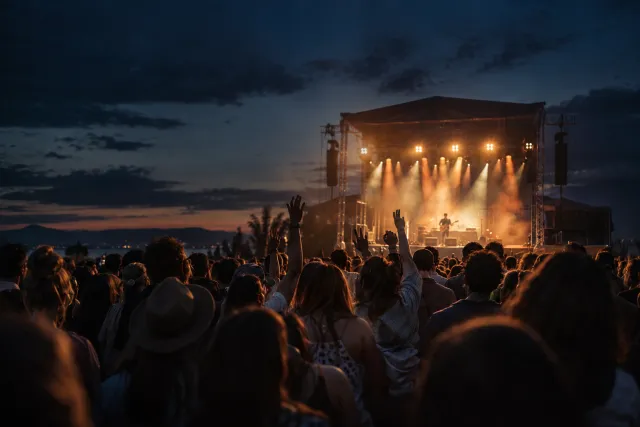
Live music
An evening to remember
Choose a date and time
Venue and address
Add a title, summary, programme and images. Explain who the event is for and what attendance includes.
Set the schedule and venue. For events with several dates, guests can choose a session before buying.
Configure attendance options and prices. For assigned seating, use the chart attached to the event.
Provide contact details so guests can ask questions. Check the address, age restrictions and attendance conditions.
Event visibility and available sessions affect what buyers see. Check the page outside your organizer dashboard.
Use the event page in email, social channels or on your website. Add UTM parameters to different placements to compare sources in analytics. Keep attendance conditions and key information on the page so guests can find the current version.
The link leads to your event. Having a page alone does not bring an audience: plan your promotion separately.
Enter the event’s description, schedule, venue and tickets in the dashboard. The public page uses those details. It is a prepared event workflow, rather than an unrestricted website editor.
Yes, an event can have several scheduled sessions. Check the date, time, visibility and tickets for each, then test date selection on the public page.
Add a link to your Evenda event page on your website. For embedded checkout or a separate domain, first confirm the available integration and the terms for your project.
Check the schedule, event and session visibility, and whether the date is still current. Viewing the dashboard does not replace checking the public link. If the details are correct, send support the event link and a description of the issue.
Get started
Start in your browser. No installation needed.