Prepare devices
Install the current app, sign in and verify camera access. Charge devices and prepare a power source for long events.
 evenda.
사용 가능한 언어 버전
РусскийEnglishSrpskiDeutschTürkçeქართულიEspañolहिन्दीবাংলাPortuguêsTiếng ViệtFrançaisItaliano한국어العربيةBahasa Indonesia日本語中文አማርኛ (Amarəñña)অসমীয়া (Ôxômiya)Azərbaycan diliБългарски (Bǎlgarski)ČeštinaΕλληνικά (Elliniká)Eesti keelفارسی (Fārsī)Fulfuldeગુજરાતી (Gujarātī)HausaMagyarIgboBasa Jawaಕನ್ನಡ (Kannaḍa)Latviešu valodaMalagasyBahasa Melayuമലയാളം (Malayāḷam)मराठी (Marāṭhī)မြန်မာဘာသာ (Myanma Bhasa)नेपाली (Nepālī)NederlandsAfaan Oromooଓଡ଼ିଆ (Oṛiā)پښتو (Paṣ̌to)PolskiRomânăسنڌي (Sindhī)සිංහල (Siṁhala)SlovenčinaChiShonaBasa Sundaதமிழ் (Tamiḻ)Wikang Tagalogతెలుగు (Telugu)ภาษาไทย (Phasa Thai)اردو (Urdū)Oʻzbek tiliYorùbáVahcuenghHrvatskiDanishFinnishSwedishFeatured guides
A practical entrance checklist: staff access, devices, ticket tests and a clear process for exceptions.
Evenda는 소프트웨어 공급자이자 기술 파트너입니다. 티켓 판매자이자 결제 수취인은 귀하의 회사이며, 구매자들의 자금은 플랫폼을 거치지 않습니다.
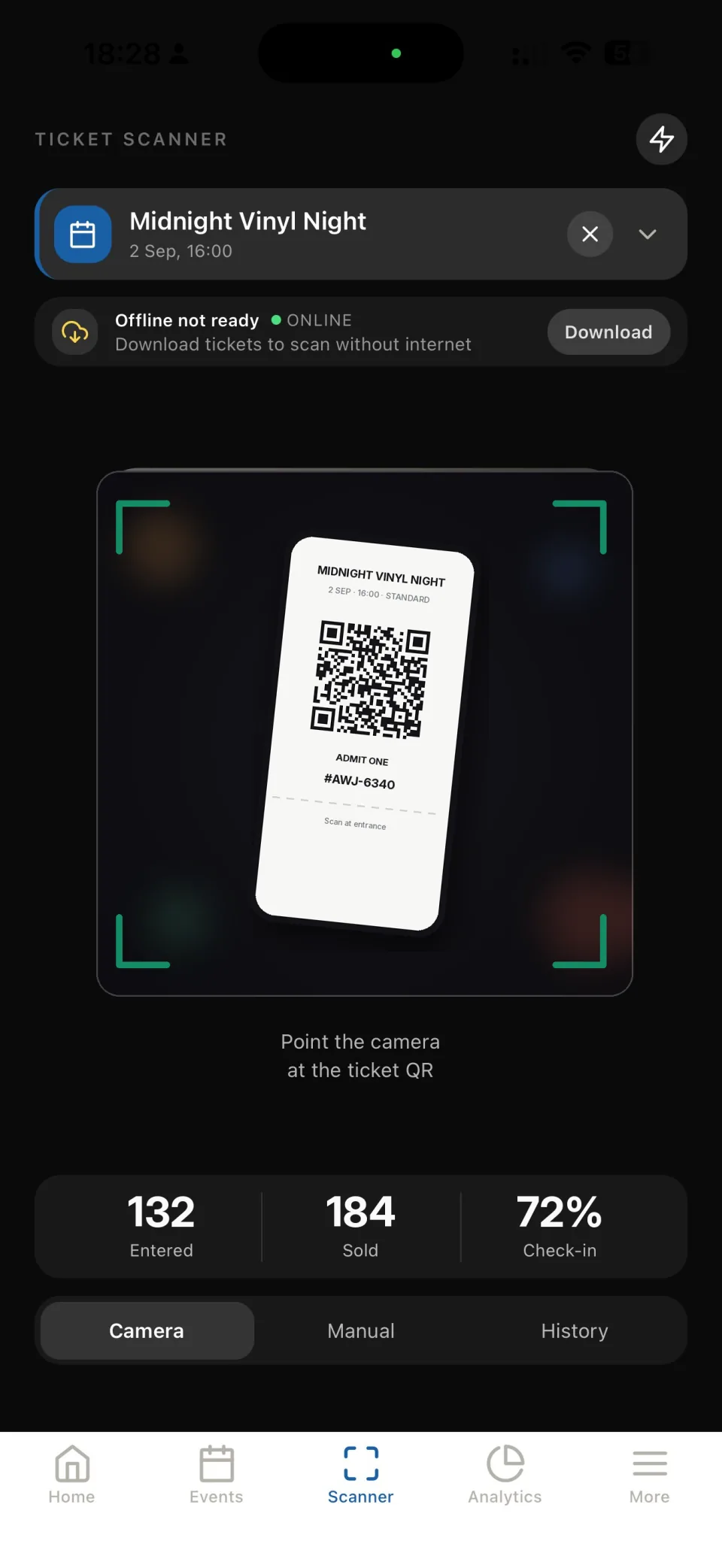
Install the current app, sign in and verify camera access. Charge devices and prepare a power source for long events.
Test connectivity at the actual entrance, using all devices together. Do not assume venue Wi-Fi or offline behavior without testing your setup.
Scan a valid test ticket, repeat the scan and try a ticket from another test event. Make sure the team understands each result.
Check the event selected in the app. Scan each ticket, read the result and send unresolved cases to the responsible organizer.
Check the ticket record with the responsible organizer. Do not override the result solely because a guest shows a screenshot.
Verify the event and order details. Ask the responsible person to check the order status before making an admission decision.
It depends on arrival peaks, the venue and the time needed per guest. Rehearse your process, measure it and plan separate assistance for exceptions.
Use individual team access with the permissions needed for the event. This avoids distributing the main account credentials to entrance staff.
Review attendance and unresolved ticket issues. Record what slowed entry and update the checklist before the next event.
작업 시작
설치 없이 브라우저에서 플랫폼에 바로 접속할 수 있으며, 어떤 컴퓨터에서도 이용 가능합니다.